June 22, 2026
OCR for Businesses: Receipts, Forms, and Archives
Practical business uses of OCR — digitizing receipts, forms, and paper archives without heavy software.
By Elango P · About this site
Businesses drown in text trapped as pixels: vendor invoices emailed as photos, signed forms scanned to shared drives, packing labels, and slide decks exported as images. Teams that still retype those materials quietly bleed payroll hours. Online OCR is a low-friction way to reclaim that time—if you pair it with verification habits and privacy policies.
This article outlines practical business uses for OCR Text Extractor at imgtotext.in, where it fits, and where you should graduate to heavier systems.
Where OCR Pays for Itself Quickly
- Accounts payable: Receipt and invoice field capture into spreadsheets
- Operations: Reading SKU and lot texts from photo logs
- HR / admin: Digitizing signed policy acknowledgments for keyword search (store originals too)
- Sales: Extracting text from prospect one-pagers received as screenshots
- Support: Pulling error messages from customer-uploaded PNGs
Time comparison vs typing: /blog/ocr-vs-manual-typing.
A Lightweight Team Workflow
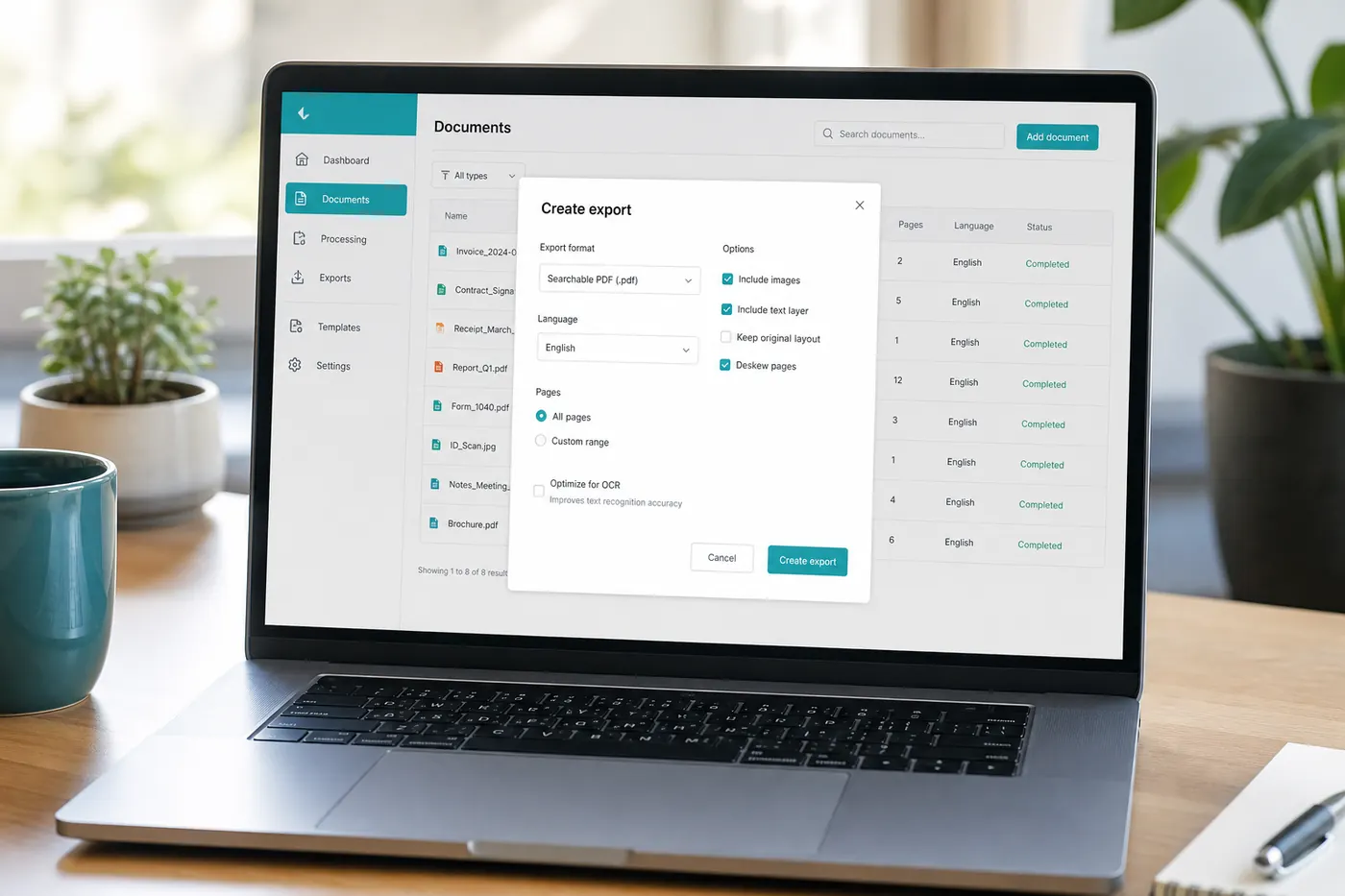
- Capture or receive an image (PNG, JPG, JPEG, WEBP, GIF).
- Staff open https://imgtotext.in—no install, mobile responsive for warehouse phones.
- Select the correct language (twelve supported: English, Spanish, French, German, Italian, Portuguese, Russian, Chinese Simplified, Japanese, Korean, Arabic, Hindi).
- Use Clean Mode for tidy scans and UI screenshots.
- Copy/TXT download into the system of record.
- Second person or maker verifies monetary and identity fields.
AI OCR (Gemini via their API) runs first with 10 AI OCR uses per visitor per day; browser Tesseract.js continues afterward. For teams, that implies staggering AI-heavy batches or assigning “AI priority” tickets.
Privacy: no permanent image storage on imgtotext.in—still confirm your compliance team accepts browser upload tools for the document class involved (/about, /faq).
Example Scenario: Boutique Import Shop
A two-person import shop receives commercial invoices as WhatsApp JPGs in mixed English and local languages. They used to type line items into inventory software at night.
They adopt a rule: morning OCR session at imgtotext.in, language set per supplier, totals verified against payment records before stock quantities update. Clean Mode helps on crisp exports; dark warehouse photos of cartons get a retake under the office lamp instead of forcing bad OCR.
After six weeks they estimate several hours saved weekly. They still manually enter anything with legal customs implications after side-by-side review—automation without abdication.
Policies You Should Write Down
Even free tools deserve a one-page SOP:
- Allowed document types for web OCR vs offline-only.
- Cropping rules so badges and unrelated PII leave the frame.
- Verification checklist for amounts, bank details, and addresses.
- Retention: keep source images in your secure drive; do not rely on the OCR site as storage.
- Language ownership: who sets the dropdown for multilingual suppliers.
Limits for Growing Companies
imgtotext.in is ideal for opportunistic and small-batch work. It is image-based—not a full PDF ingestion server. Multi-page PDF packets need page export or screenshots (/blog/pdf-ocr-guide). High-volume AP automation may need dedicated APIs, ERP connectors, and audit logs—see /blog/ocr-api-guide.
Do not invent integrations that are not there: there is no claim of Salesforce plugin or SSO here. Use copy/paste and TXT as the integration layer unless you build your own.
Training Staff in 15 Minutes
Show three live examples in onboarding:
- A clean invoice scan with Clean Mode.
- A bad photo fixed by retake—teach that capture quality is part of the job.
- A verification miss (wrong digit) to show why review exists.
Point people at /how-it-works if they want technical curiosity. Most staff only need the upload UI.
Multilingual Operations
Global suppliers ship paperwork in languages your office may not read fluently. OCR into text enables machine translation as a second step. Selecting the OCR language correctly is step one—wrong settings create garbage that translation cannot salvage.
Security and Customer Trust
Tell customers if photos of their documents are processed via third-party tools when contracts require disclosure. Prefer privacy-focused services and minimize data. Built by Elango P (elangodev.com), imgtotext.in emphasizes free, practical OCR without permanent image storage—but your contracts may still require enterprise DPA agreements that a free site does not replace.
When in doubt for healthcare, legal, or finance regulated data, use approved enterprise OCR.
Scanning Program Companion
Pair this article with /blog/ocr-for-mobile when you digitize paper rooms. Accuracy habits in /blog/ocr-accuracy-tips prevent “fast wrong data” from entering your ERP.
Measuring ROI
Track for one month:
- Minutes spent typing vs OCR+verify
- Error incidents in payments or shipments
- Staff satisfaction (evening overtime spent on transcription)
If ROI is obvious, keep the free tool for ad hoc work and reserve budget for automation only where volume justifies it.
Try It
Pick tomorrow’s first invoice image and process it at imgtotext.in before typing anything. Time both paths once. Let that evidence—not habit—decide your default.
Seasonal Spikes and Quotas
Retail and tax seasons multiply document volume. Because free AI OCR paths often include daily fairness caps (10 AI OCR uses per visitor per day on imgtotext.in), plan staffing so several people share load—or schedule non-urgent batches across days. Browser fallback keeps the line moving when AI is exhausted.
Document this in the SOP so staff do not assume the tool “broke” on the eleventh upload.
Related Reading
- /blog/ocr-vs-manual-typing — cost of retyping
- /blog/ocr-for-mobile — paper capture tips
- /blog/ocr-api-guide — when to automate programmatically
Try free OCR now
Upload an image and extract editable text in your browser — no signup required.
Open OCR tool