July 14, 2026
Free Online OCR Checklist Before You Trust the Output
A six-gate checklist to verify OCR text before you paste it into email, tickets, or filings.
By Elango P · About this site
Free online OCR is fast enough that people paste results into emails, tickets, and filings without a second look. That is fine for low-stakes notes. It is reckless for totals, citations, and legal wording. Use this checklist every time you extract text with a tool like imgtotext.in—or any competitor—before you trust the output.
Checklist Overview
- Source sensitivity
- Capture quality
- Tool and settings
- First-pass reading
- Field-level verification
- Destination hygiene
Skip steps only when the cost of error is truly zero.
1. Source Sensitivity Gate
Ask: what happens if this text leaks or is wrong?
- Low: public flyer, your own shopping list photo
- Medium: internal meeting board, non-secret handout
- High: invoices, contracts, HR forms, medical paperwork, government IDs
For high sensitivity, read /blog/ocr-security-privacy and /privacy-policy. For IDs, prefer not using consumer OCR at all without legal basis—/blog/passport-aadhaar-ocr-caution.
2. Capture Quality Gate
If you squint at the image, the engine will too.
- Text large enough in frame
- Minimal skew and glare
- Cropped to the needed region
- Screenshot preferred over photo-of-screen
Fix with /blog/image-preprocessing-for-ocr, /blog/ocr-accuracy-tips, /blog/ocr-for-mobile.
3. Tool and Settings Gate
- Confirm HTTPS and the correct domain before dropping files.
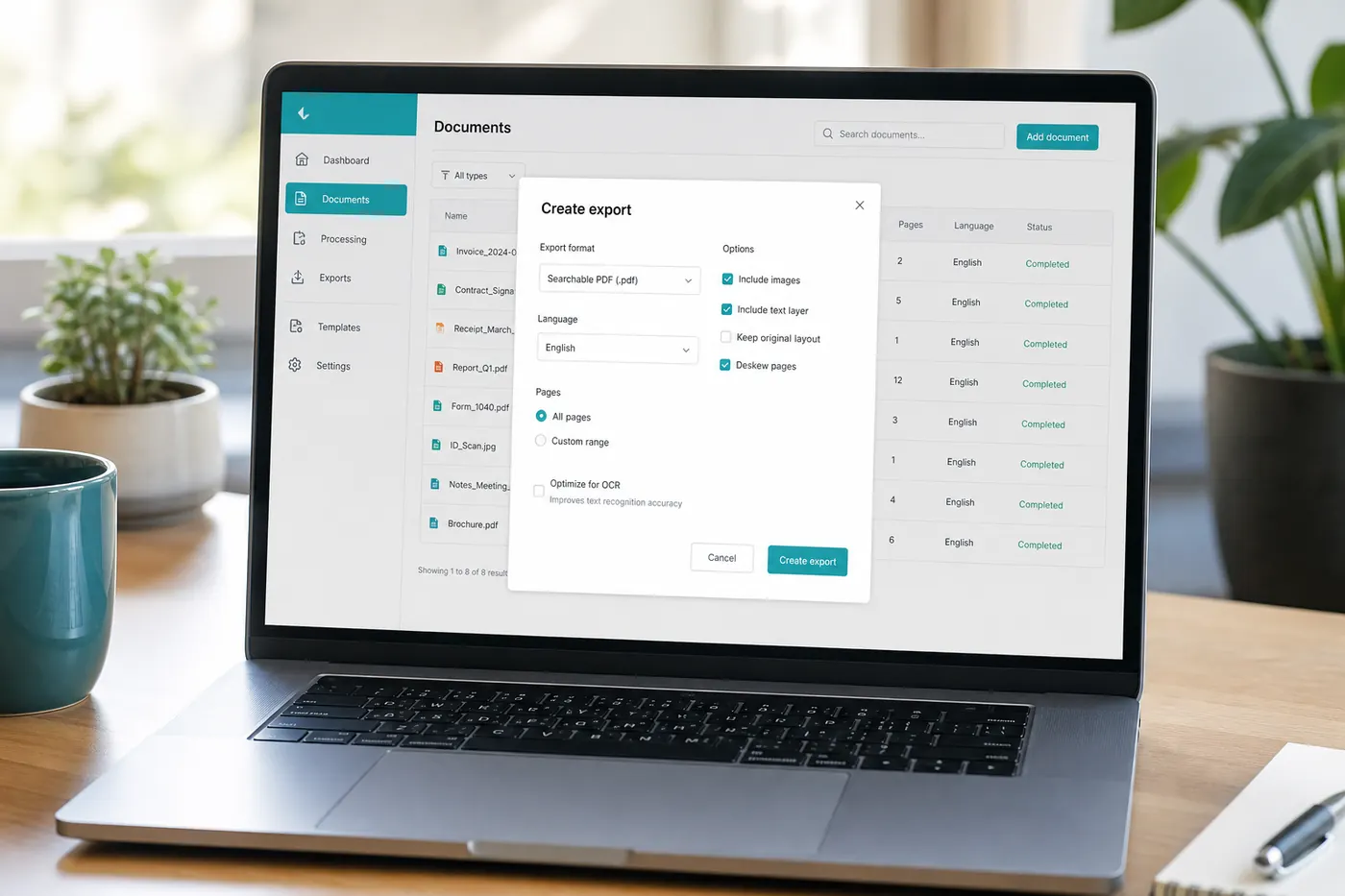
- Pick the right language among English, Spanish, French, German, Italian, Portuguese, Russian, Chinese Simplified, Japanese, Korean, Arabic, and Hindi.
- Try Clean Mode intentionally for screenshots/documents; disable for faint boards or speckled thermal paper.
- Know the engine path: free AI OCR via Gemini’s API first; after 10 AI OCR uses per visitor per day, Tesseract.js browser fallback still works. Hard images deserve AI quota.
Entry points: /image-to-text, /jpg-to-text, /image-to-text, /pdf-to-text, /handwriting-to-text. How it works: /how-it-works. FAQ: /faq.
Supported uploads include PNG, JPG, JPEG, WEBP, and GIF.
4. First-Pass Reading Gate
Skim the entire extract once while looking at the image.
- Are paragraphs in a sensible order? Columns sometimes shuffle.
- Did headers duplicate into body text?
- Are there replacement characters or obvious gibberish clusters?
- Did logos become fake words?
If the pass fails, preprocess and retry before polishing garbage.
5. Field-Level Verification Gate
Verify these character-by-character against the source:
- Money amounts and tax lines (/blog/extract-text-from-receipts, /blog/invoice-ocr-workflow)
- Dates and times
- Email addresses and URLs
- Phone numbers
- Proper nouns and citations
- Code and error strings (/blog/convert-screenshots-to-editable-text)
Handwriting fields need extra skepticism (/blog/handwriting-ocr). Old books and faded ink: /blog/digitize-old-books-ocr. Whiteboards: /blog/whiteboard-ocr-tips.
6. Destination Hygiene Gate
Before you paste elsewhere:
- Label drafts as OCR-unverified when sharing with teammates.
- Do not overwrite a known-good document with unchecked OCR.
- Strip unintended PII that cropped into the frame.
- Keep the original image for disputed totals until reconciliation ends.
- Delete sensitive locals when policy says retention is over.
Advantages of Using a Checklist
- Fewer embarrassing typos in client email
- Clearer handoffs between “extractor” and “approver” roles
- Better use of limited AI daily quota—retry only after capture fixes
- Honest expectations about free hybrid AI + Tesseract tools
Comparing snippet tools vs dedicated OCR: /blog/ocr-vs-google-lens. When typing wins: /blog/ocr-vs-manual-typing.
Limitations
A checklist cannot raise confidence above what the pixels support. It also cannot turn consumer OCR into certified KYC or legal discovery software. Developers automating extraction still need golden tests—/blog/ocr-for-developers-guide, /blog/ocr-using-python.
Best Practices
- Print or bookmark this checklist for repetitive workflows.
- Spend the longest verification time on numbers.
- Prefer text-layer PDFs when vendors send them (/blog/pdf-ocr-guide).
- Use browser OCR for perfect screenshots when AI quota is low; reserve AI for hard photos.
- Teach new teammates /blog/what-is-ocr so they stop treating OCR as ground truth.
- Re-run OCR after preprocessing instead of manually “fixing” fifty garbage characters—unless the image cannot improve.
- For one-off public text, enjoy the speed of imgtotext.in without ceremony.
Mini Scorecard
Give your extract a quick score:
- A — skim matches image; numbers checked; safe to use
- B — structure good; a few proper nouns fixed; OK for internal notes
- C — readable but suspicious digits; do not file financially
- F — gibberish; recapture
Only A belongs in external or financial destinations.
Example Failure Caught by Checklist
A volunteer OCR’d a donation receipt, pasted the total into a thank-you letter, and almost mailed S500 instead of $500. The field-level gate (step 5) catches that class of error in two seconds—the cheapest insurance on this list.
Team Adoption Without Nagging
Checklists fail when they live only in a blog tab. Paste a shortened version into your team wiki, expense tool description, or AP Slack canvas. Add a required checkbox in approval forms: “OCR fields verified against source.” Auditors love boring evidence of process.
Rotate a monthly five-minute drill: everyone brings one failed OCR example and shows which checklist gate would have caught it. Culture beats tooling.
Versioning Your Own Checklist
As you discover domain-specific traps—SKU formats, local tax labels, classroom abbreviations—append them under step 5. A receipt-centric team will grow different bullets than a research group digitizing PDFs. Keep the six gates stable so muscle memory remains; extend the field list freely.
Link related internal SOPs rather than duplicating privacy policy text.
When to Stop Checking and Just Retype
If the image is hopeless and the text is six words, type them. The checklist exists to prevent blind trust, not to force OCR purity. Combining /blog/ocr-vs-manual-typing judgment with this checklist is the mature workflow: automate the long and clear; type the short and critical; verify everything that moves money or identity.
Free tools like imgtotext.in earn their place when the checklist is habitual. Without it, free OCR simply accelerates mistakes.
Personal Versus Organizational Bars
Solo bloggers can accept grade B extracts in private notes. Finance teams should require grade A on monetary fields. Write the required grade beside each workflow in your wiki. Ambiguity produces arguments after mistakes; clarity produces short checklist executions.
Contractors should ask clients which bar applies before dumping OCR into deliverables.
Red Flags in OCR Output
Stop and recapture if you see:
- Long runs of random consonants
- Repeated identical lines that are not in the source
- Numbers whose digit count differs from the source
- URLs with swapped characters (
rnversusm)
These are not “creative AI flourishes”—they are failure signals. Browser Tesseract and AI paths fail differently; if AI quota remains, retry once after prep; if not, improve the image or type the critical lines.
Closing Unverified Tabs
A surprising amount of leakage happens when unverified OCR text sits in browser tabs overnight and gets copied into the wrong conversation tomorrow. Close the results pane after filing, or clearly title the tab UNVERIFIED. Tiny habit, fewer mistakes.
Applying the Checklist to Screenshots Versus Paper
Screenshots usually skip glare issues but introduce UI chrome and notifications. Paper usually skips notifications but introduces lighting issues. Mentally highlight different gates: for screenshots, linger on crop and Clean Mode; for paper, linger on capture quality and numeric verification. Same six gates, different emphasis—prevents cargo-culting one routine onto every medium.
PNG paths and JPG paths on imgtotext.in behave similarly after prep; choose based on source fidelity, not superstition.
Related Reading
- /blog/how-to-extract-text-from-images — procedural baseline
- /blog/best-ocr-tools-2026 — tool choice context
- /blog/how-to-extract-text-from-images — browser-first framing
Try free OCR now
Upload an image and extract editable text in your browser — no signup required.
Open OCR tool