July 2, 2026
What Is OCR? Optical Character Recognition Explained
A plain-language explanation of OCR, how it works, common use cases, and accuracy limits.
By Elango P · About this site
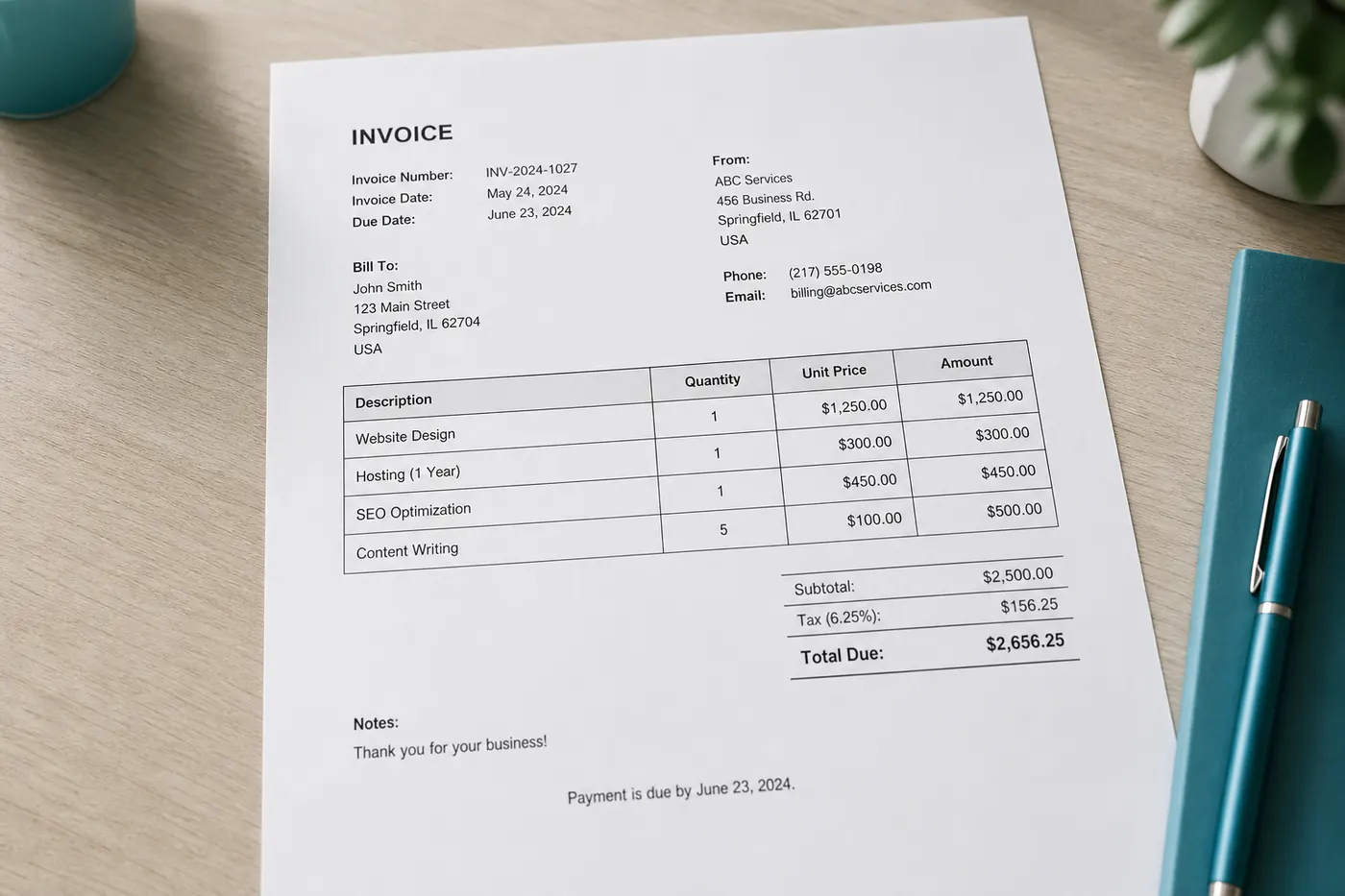
Optical Character Recognition—OCR—is the technology that turns pictures of writing into machine-readable characters. Once text is digital, you can copy it, search it, translate it, and feed it into other software. This primer explains how OCR works at a high level, where it succeeds, where it fails, and how a modern free tool like OCR Text Extractor at imgtotext.in applies these ideas in practice.
A Short History in One Paragraph
Early OCR systems matched rigid templates for each glyph—effective for one font on clean scans, brittle elsewhere. Later engines used statistical features and, today, deep learning models that recognize text in messy, real-world photographs. Consumer products now mix classical engines (like Tesseract) with AI multimodal models. That hybrid shows up on imgtotext.in: AI OCR first via Gemini’s API, then Tesseract.js in the browser as fallback.
The Recognition Pipeline (Simplified)
Regardless of brand, most OCR flows share stages:
- Acquire an image (scan, photo, screenshot).
- Preprocess (deskew, denoise, contrast, binarize). Clean Mode on imgtotext.in is a user-facing form of helpful preprocessing for screenshots and documents.
- Detect text regions versus background.
- Recognize characters or words, often with a language model prior.
- Postprocess (dictionary checks, line ordering).
- Export plain text or richer layouts.
Humans still own a seventh stage: verify, especially for numbers.
More product-specific detail: /how-it-works.
Images In, Text Out
OCR consumes rasters: PNG, JPG, JPEG, WEBP, GIF on imgtotext.in. Vector PDFs with a real text layer do not need OCR—you can already select text. Image-only PDFs need rasterization first; see /blog/pdf-ocr-guide.
Why Language Models Matter
Selecting English versus Arabic is not cosmetic. Script direction, character sets, and segmentation rules differ. imgtotext.in exposes twelve languages: English, Spanish, French, German, Italian, Portuguese, Russian, Chinese Simplified, Japanese, Korean, Arabic, and Hindi. Feed the engine the right expectation.
Accuracy Is Conditional
OCR confidence is high when:
- Contrast is strong
- Fonts are standard
- Resolution is adequate
- Skew is mild
- Language matches
Accuracy drops with handwriting, heavy stylization, damage, and dense tables. Tips: /blog/ocr-accuracy-tips. Handwriting: /blog/handwriting-ocr.
Example Scenario: From Paper Memo to Searchable Note
Jordan finds a printed team memo under a keyboard—never emailed. They photograph it, upload to imgtotext.in, choose English, enable Clean Mode, and extract text. After fixing one misread date, they paste into the company wiki. Colleagues can now search a phrase that was trapped on paper minutes earlier.
Without OCR, the memo stays offline until someone retypes it—or loses it again.
OCR vs Related Technologies
- ICR often refers to intelligent recognition for handwriting forms—overlapping marketing terms with handwriting OCR.
- Document AI / form parsing adds field-level structure (invoice totals as JSON), not just a text blob.
- Barcodes / QR encode data deliberately; OCR guesses visual language. Use barcode APIs when the data is already a code.
- Speech-to-text converts audio; OCR converts images.
Privacy Considerations
Sending an image to any online OCR service is a data decision. Prefer tools that avoid permanent storage. imgtotext.in is privacy-focused and does not permanently store images—built by Elango P (elangodev.com). Read /about and /faq. Regulated industries may still require offline or contracted enterprise OCR.
Free Daily Limits and Fallbacks
Running frontier AI on every upload has cost. Fair free tiers are normal. On imgtotext.in, visitors get 10 AI OCR uses per day; afterward, browser OCR remains available. Understanding fallbacks is part of understanding modern OCR products—not a footnote.
Who Uses OCR?
Students (/blog/ocr-for-students), businesses (/blog/ocr-for-businesses), developers (/blog/ocr-api-guide, /blog/ocr-in-javascript, /blog/ocr-for-developers-guide), and anyone who prefers not to type (/blog/ocr-vs-manual-typing).
What OCR Does Not Do
- Guarantee legal authenticity (it can misread a clause)
- Preserve perfect typography and pagination by default
- Replace human judgment on medical, financial, or safety-critical text
- Always reconstruct complex multi-column reading order without help
Getting Started Without the Theory Dump
If you only need results: go to https://imgtotext.in, drop an image, select language, extract, copy or download TXT. Return to this article when you want to know why Clean Mode or language choice changed the outcome.
Try It
Convert one image now at imgtotext.in. Then deliberately upload a worse photo of the same page and compare. That experiment teaches the definition of OCR better than memorizing the acronym expansion.
Layout Analysis and Reading Order
Beyond recognizing letters, engines must decide what constitutes a line, a paragraph, and a column. Layout analysis is why a two-column magazine page sometimes emerges with sentences interleaved incorrectly. Cropping columns into separate images is a human-assisted layout fix when automation guesses wrong.
Tables add another layer: many general OCR tools return row-like plain text without true cell boundaries. Specialized document-AI systems attempt structure recovery; consumer image-to-text sites usually prioritize a faithful prose dump you can reformat yourself.
Training Data and Bias (Practical View)
Models learn from vast corpora of printed and digital text. Unusual fonts, niche scripts, or domain jargons underrepresented in training data will underperform. That is one reason selecting the correct language pack matters, and why a medical form full of abbreviations may need more human review than a novel page.
As a user you cannot retrain the public model on imgtotext.in—but you can improve inputs (lighting, crop, language) to look more like the data those models handle well.
Confidence Scores vs Human Trust
Some APIs expose per-word confidence numbers. Browser UIs may not surface them. Either way, do not confuse a fluent-looking paragraph with correctness. Fluent garbage happens when models prefer real dictionary words over weird but true tokens like SKUs. Always verify identifiers against the image when money or identity is involved.
OCR Inside Larger Systems
In many products OCR is invisible: depositing a check, searching your photo library for a sign, or indexing scanned PDFs. Understanding the concept helps you troubleshoot when those features fail—usually the capture quality, not your account settings. The same troubleshooting mindset applies when you use a visible tool such as imgtotext.in.
Related Reading
- /blog/how-to-extract-text-from-images — hands-on tutorial
- /blog/best-ocr-tools-2026 — choosing tools
- /blog/ocr-accuracy-tips — improving results
Try free OCR now
Upload an image and extract editable text in your browser — no signup required.
Open OCR tool